|
<< Click to Display Table of Contents >> General handling |
  
|
|
<< Click to Display Table of Contents >> General handling |
|

Many project and design step related windows have a search edit field in their title bar. Here the user can enter any keyword to search for it in the manual.
If an internet connection exists, the results of the manual search is displayed in a web-browser. Otherwise, the installed manual (.chm) is used.
|
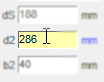
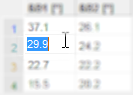
Value input in •Edit controls and •String grids is not applied automatically, but by ► Pressing <Enter> ► Leaving the focused control by selecting another one by (behavior like in Microsoft Excel) |
The "Design Grid" feature is available in all design step windows at bottom right.
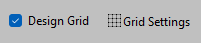
The intention is to provide a special tool for rounding of geometrical values during the design process. It's related to length and angle values which are rounded when calculated (manual or automatic), reset to default or modified interactively in the design diagram.
Using the "Grid Settings" button one can customize the rounding to one of the pre-defined levels or a custom value.
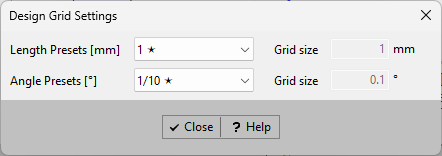
Of course, all values can be modified manually or by an optimizer with any accuracy. The rounding feature is used for the above mentioned purposes only.
The design grid settings are project specific.
•Position and size of dialogs are saved to restore it in the same way when they are called again.
 or
or