Installation and Licensing
Software requirements
For installing CFturbo BLADERUNNER
administrator rights on a system running Windows 10 or 11
are required.
Download
The CFturbo BLADERUNNER installer is available here for registered users.
The installation file is named CFturbo BLADERUNNER_2026.2.0_setup.exe.
Installation
When starting the installer, the executable will ask for permissions, press Yes:

An information notice will be displayed. Press Next to continue the installation:

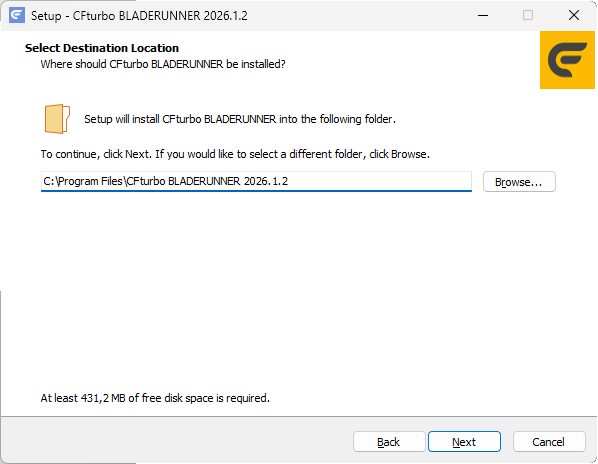
Choose an installation directory and press Next to continue:
Choose a Start Menu folder or skip this step by checking "Don't create a Start Menu folder" if a desktop icon is sufficient. Press Next to continue:

The installation will proceed, and a message will be displayed after successful installation:


Licensing
To run CFturbo BLADERUNNER a valid license in conjunction with a CFturbo license is required. Please check CFturbo Licensing for details.